Hooking up our LSP to VS Code
Its time to talk to hook up our editor VS Code edition! Unortunately, hooking up the LSP to the editor is a bit more involved than the previous steps with neovim.
To speed things along here we are going install Yaemon which is a multi purpose code generator.
npm i -g yo generator-codeyo codeYou will be brought through a series of questions. You can answer however you like, I prefer typescript so that’s what I used and gave it a generic name.
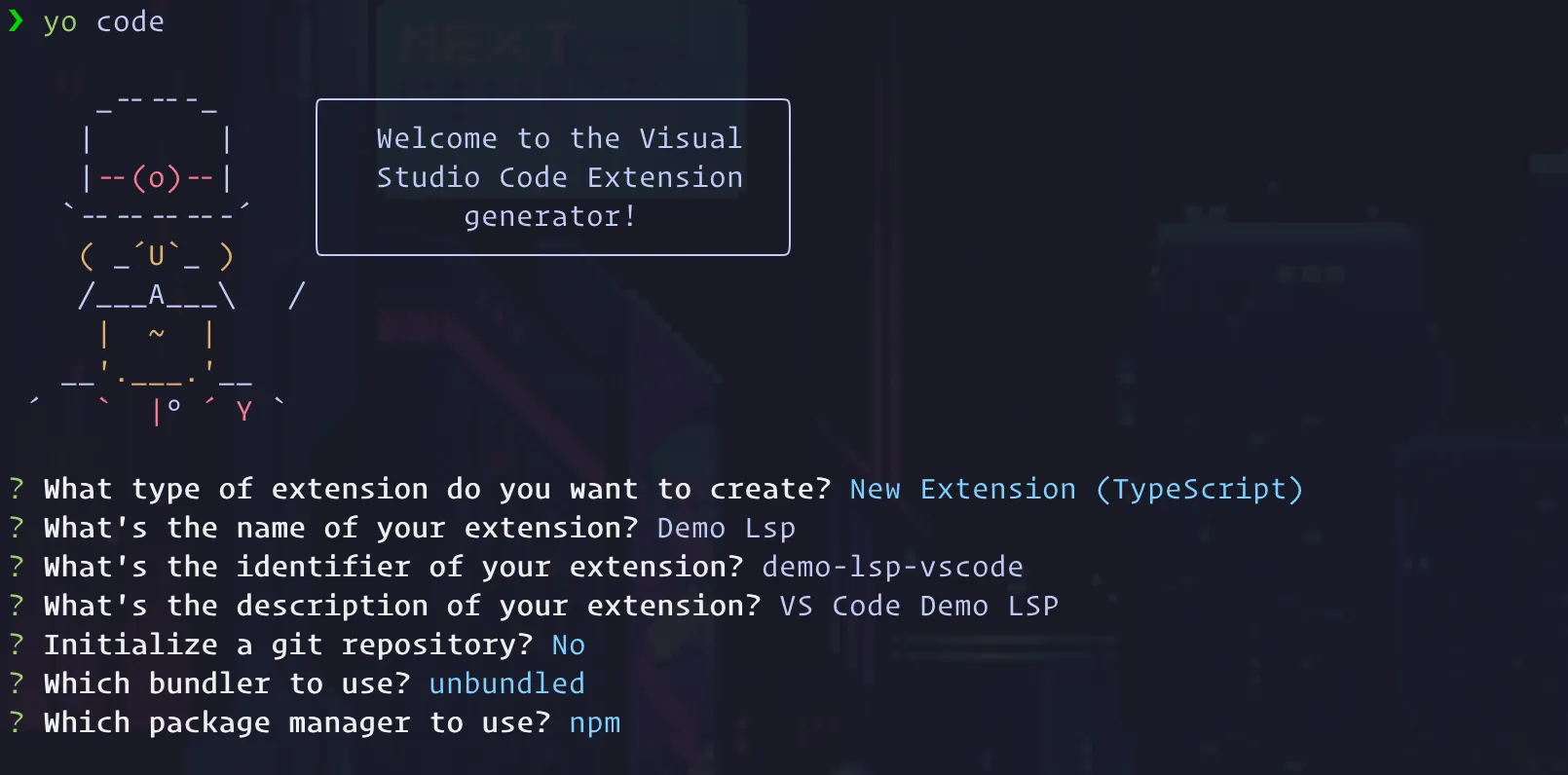
After your project has been generated, we need to add one more dependency for developing the LSP Client.
npm i vscode-languageclient